Skip to product information
1 of 4

Udderly Custom LLC

Sublimation Transfers

Sublimation Transfers

Regular price $1.75 USD
Regular price Sale price $1.75 USD
Sale Sold out
Size of Print
Editing

Order sublimation transfers printed from your own artwork for compatible garments and blanks. This listing supplies the printed transfer only, not a finished garment or blank.

Choose your transfer size

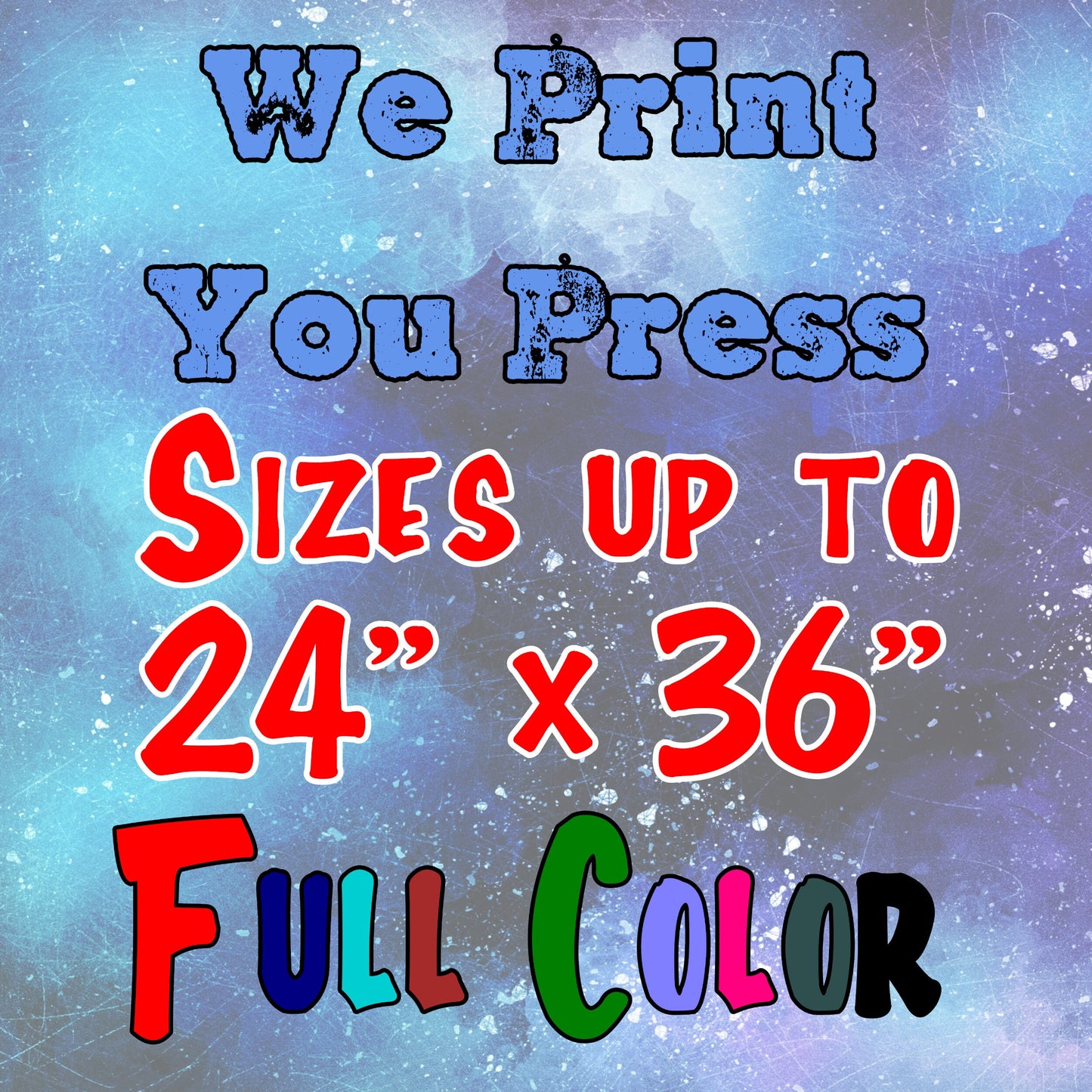
Select an available size and the editing option that applies to your artwork. Listed sizes range from 4 × 4 inches to 24 × 36 inches. The maximum usable artwork width is 23.8 inches, including on sheets listed as 24 inches wide. Keep your design within the selected sheet dimensions.

Our sublimation production limit is 23.8 inches wide by 20 feet long. For longer sheets, use the existing sublimation gang-sheet product.

How to order

  1. Choose your transfer size, editing option, and quantity.
  2. Submit the artwork you want printed and check its final dimensions and orientation.
  3. If combining different designs on one transfer, prepare the combined layout before submitting.
  4. Review the displayed total and complete checkout.

Choose a suitable substrate

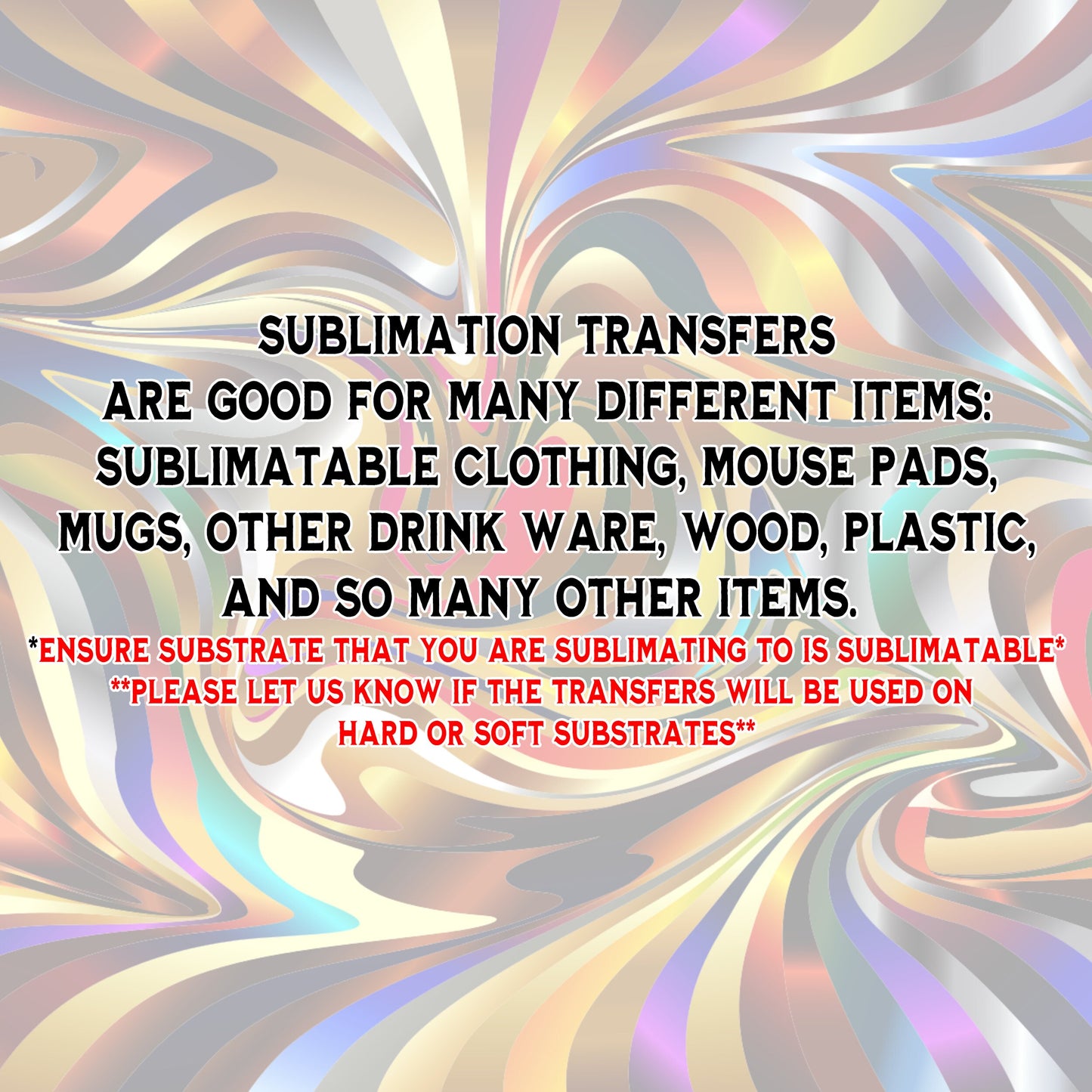
Use sublimation-compatible garments or blanks. White or light-colored polyester fabrics work best; sublimation transfers do not work on 100% cotton or show properly on dark fabrics. Our sublimation printer does not print white, so white areas in your artwork take on the color of the substrate.

Prepare your artwork

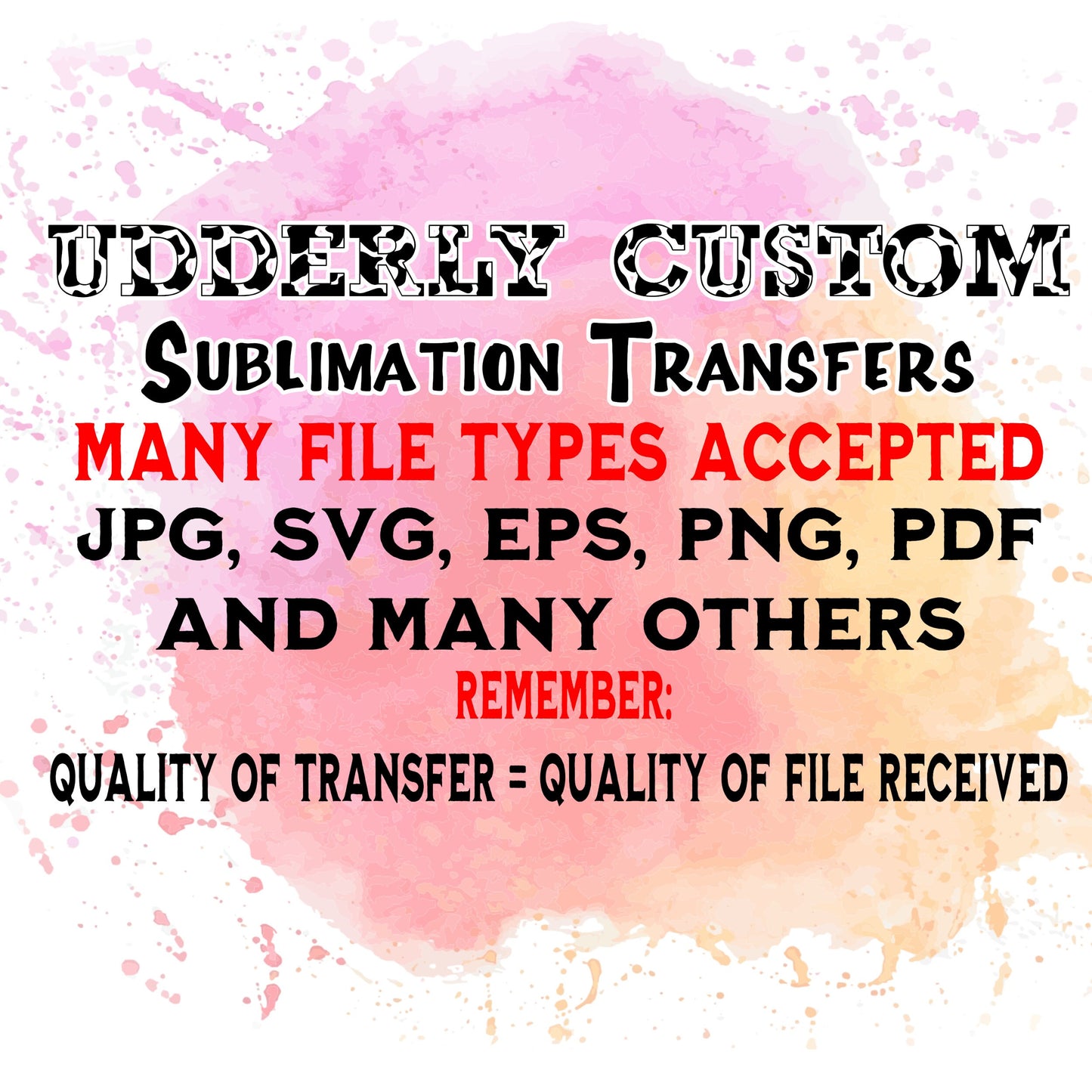
  • Accepted files: PNG, JPG/JPEG, SVG, and PDF.
  • We recommend 300 DPI at the final print size for raster artwork such as PNG and JPG/JPEG.
  • Submit artwork unmirrored, except when sublimating onto the bottom or back of a see-through item. For that application, submit mirrored artwork so the image reads correctly through the item.
  • Check the final dimensions and artwork before ordering. Background-removal tools in builders are not a replacement for properly prepared artwork.

Pressing and transfer removal

Use a suitable sublimation heat press at 400°F. Pressing time depends on the substrate and pressing setup. Our reference times are 60 seconds for shirts and 12–15 minutes for coffee mugs; these are not interchangeable settings for every blank or press. Confirm the time and pressure appropriate to your substrate and equipment before pressing.

  1. When pressing a shirt, place a fresh piece of clean paper between the shirt layers and another on top of the transfer to prevent ink blowout.
  2. Press using the settings appropriate to the substrate.
  3. Open the press and lift the transfer up and away from the substrate. Do not allow the image to shift or the transfer to touch the substrate again.
  4. Allow the item to cool. Residual heat can continue transferring ink; movement or renewed contact can cause a doubled or shadowed image, known as ghosting.

Care

For garments: no waiting period is required before washing. Wash normally; turning the garment inside out is optional. Tumble drying is suitable. Do not bleach; avoid the hottest iron setting.

For mugs and other hard goods, follow the care instructions for the particular blank.

Printing, pickup, and shipping

We print and ship Monday–Friday. Turnaround starts after your order is placed and paid for. Cutoff times are Eastern Time.

  • Same-day shipping: place and pay for your order by 3 p.m.
  • Same-day printing for local pickup: place and pay for your order by 5 p.m.

Shipping transit time is separate from printing time. Expedited shipping is available for an additional fee.

Need help with artwork, sizing, or application? Contact Udderly Custom before ordering.

View full details